Home / CAD Modeling and Visualization / Thank you! Here is your Roads and Bridges e-book

Thank you! Here is your Roads and Bridges e-book

Thank You for Downloading

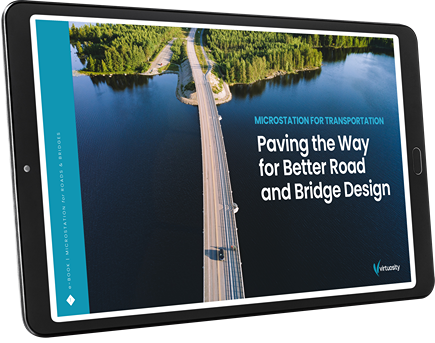
Paving the Way for Better Road and Bridge Design

Paving the Way for Better Road and Bridge Design

Road and Bridge Project Webinars That May Interest You

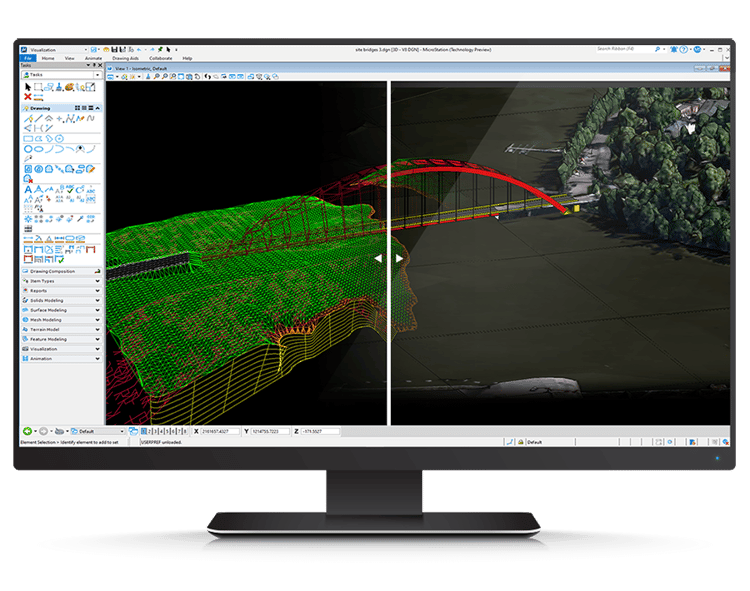
In a dynamic 3D software interface, an intricate model of an aerodynamic structure with a grid pattern emerges, resembling the sleek design seen in advanced road and bridge engineering projects. Surrounding toolbars and options offer a seamless user experience.

Advantages of Using MicroStation

Cadventure’s Robert Jones discusses the most important functionalities of MicroStation

Architectural software interface displaying a building site plan with roads and bridges, structures, and annotations in vibrant colors.

Using MicroStation for Highway and Bridges

Ethos Engineering’s lead roadway designer, Nicolai Oliden discusses civil project examples and best practices

A quiet street corner with a stop sign, palm trees, and a modern white building in the background under a clear sky.

MicroStation used in City Of Torrance project

JMC2 Engineering and City of Torrance use MicroStation to Revamp Historic Downtown Area

Supporting Your Entire Transportation Project Workflow​

Ready to Get Started?

MicroStation is easy to use and master through a configurable environment with in-app learning, video tutorials, and extensive support that allow you to become an expert in no time.
Computer monitor displaying a split-screen view of 3D modeling software with a bridge and surrounding terrain rendered in both wireframe and textured views, showcasing an advanced CAD solution for transportation projects using MicroStation.