Home / Education

Education

Free Software for Education

Start Designing Now

Sign up to access free engineering software, learning resources, and skill-building opportunities for the next generation of professionals.

Discover software

Power your projects from idea to execution

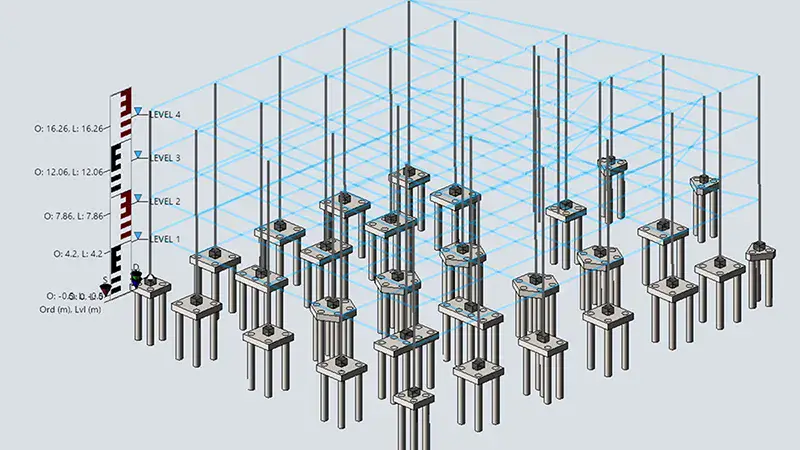
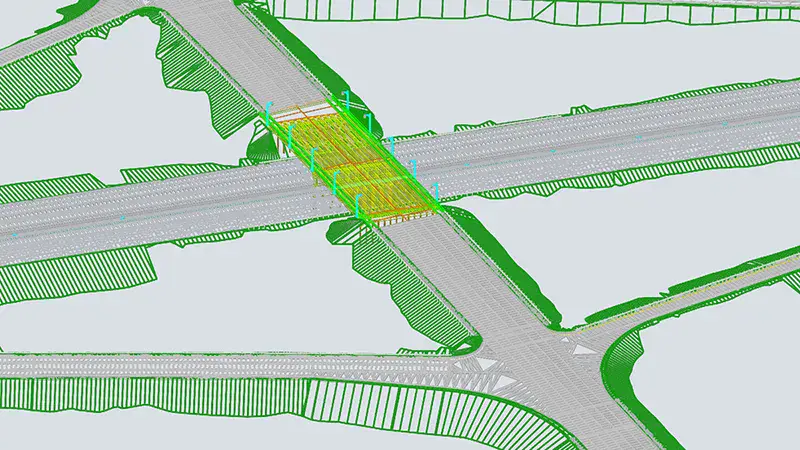
When starting a project, you’ll first evaluate how your project will fit into the surrounding community. Then, you’ll consider potential challenges, what features you’ll need to build, and what tools you’ll use. Finally, you’ll create an initial version of your design using digital modelling software.

Popular software for the design phase

In the build phase, you’ll bring your vision to life—tackling problems that arise, staying on build schedule, and performing quality checks to make sure everything works as it should.

Popular software for the build phase

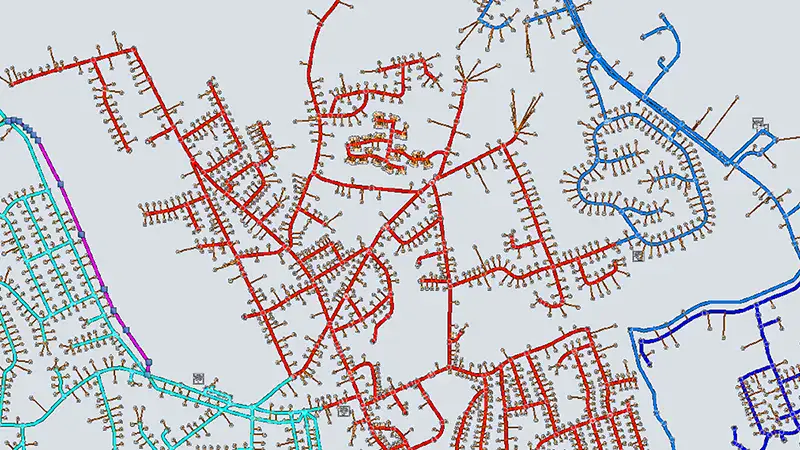
In the operate phase, you’ll use digital twin software to monitor your project in real time—spotting problems, making sure things are working efficiently, and using data to plan for upcoming fixes and updates.

Popular software for the operate phase

Isometric illustration of an urban area, showing a transition from architectural blueprint on the left to fully constructed modern buildings, schools, and homes within a vibrant streetscape on the right.
hotspot-plus

Define

Specify the root cause of a problem and create a strategy.

hotspot-plus

Empathize

Identify the needs of the people impacted by a problem.

hotspot-plus

Iterate

Respond to feedback to improve a solution.

hotspot-plus

Test

Analyze the effectiveness of a solution.

hotspot-plus

Prototype

Build a digital or real-world model.

hotspot-plus

Ideate

Identify potential solutions and opportunities.

Isometric illustration of an urban area, showing a transition from architectural blueprint on the left to fully constructed modern buildings, schools, and homes within a vibrant streetscape on the right.
hotspot-plus

Define

Specify the root cause of a problem and create a strategy.

hotspot-plus

Empathize

Identify the needs of the people impacted by a problem.

hotspot-plus

Iterate

Respond to feedback to improve a solution.

hotspot-plus

Test

Analyze the effectiveness of a solution.

hotspot-plus

Prototype

Build a digital or real-world model.

hotspot-plus

Ideate

Identify potential solutions and opportunities.

quotation mark icon

Every team used the platform in such different ways, which truly highlighted the breadth and flexibility of the software and the platform. Whether it was helping accessibility issues on campus, improving sustainability, or working on power grids, the software can be used for such a wide range of applications and it really inspired me to think outside the box.

A person holding a microphone speaks in front of a screen displaying large yellow and white text, wearing a light sweater and a name badge.

CAREEr BUILDING

Bridging the gap between education and industry

Discover what civil engineering is all about on our career building page, then browse upcoming hands-on STEM challenges from Bentley and our partners—now open for registration.

Four people sit at a table with laptops and papers, engaged in a work meeting or discussion about education in a modern office setting.

Why participate?

By joining a STEM challenge, you’ll have the opportunity to collaborate with fellow future engineers, build your portfolio, and connect with professionals in the engineering space.

In recent years, students have built physical bridges, designed net-zero energy train stations, and developed apps where they could simulate and monitor their projects to see how they’d work in real life.

Decided to take the leap? We’ve laid out all the details—key dates, requirements, and registration links—for every upcoming challenge.

quotation mark icon

AASHTO STEM Outreach Solutions is proud to partner with Bentley Systems to promote STEM in secondary education through our educational outreach technical service program nationwide. Students and teachers are provided access to Bentley’s professional programs and training opportunities to obtain certifications and build skill sets for real-world applications.

Julia Smith, AASHTO STEM Outreach Solutions Program Training Manager

FAQs

Everything you need to know

Am I eligible to download and access Bentley Systems software or training for free?
Any student or educator signed up for Bentley Education can access a range of software and resources for free. This includes students pursuing formal education, postgraduate certifications, technical qualifications, and apprenticeships; research students and academic researchers; students who are home-schooled or enrolled in private or public education institutions; and the educators who facilitate this learning. Eligible users must use the software for educational purposes only, not for school operations or commercially-funded research. For more details, see our End User License Agreement. If you have questions about specific projects, please contact us.

To register for a Bentley Education account, use an education-domain email (e.g., .edu, .ac.uk) from a recognized institution such as your local school system or university. This is the quickest way to verify your eligibility. You can use a personal email, but additional verification steps will be required.

Some challenges or initiatives may have extra criteria for registration or prize eligibility.

Education software access is provided for up to a year, as long as you remain eligible. After completing the sign-up and eligibility check with Bentley Education, you will need to renew your access annually. You will receive an email 30 days before your access expires prompting you to renew. As long as you meet eligibility requirements and adhere to the usage agreements, you can renew your educational access indefinitely.

1. Register with Bentley Education and verify your eligibility as a student or educator at bentley.com/education/sign-up. If already registered, log in.

2. Go to the Software search page of Bentley Education.

3. Search for software available with education access and select Install.

4. Ensure your device meets system requirements and has enough hard drive space to download the software. Chromebooks, phones, or tablets will not support downloads. If your device does not meet the requirements, please contact us to see if we can help.

5. Download the installation package, launch it from your browser, and complete the installation steps. The initial download includes the connection gateway.

6. Open the application and log in to the connection gateway at the start of each session.

7. If you still can’t access the software, try logging into the connection gateway again. Check other open windows if you haven’t successfully logged in. If you’re receiving an error message, your education access may have expired. Log in to your profile and complete the steps to regain access.

Education software access is provided for up to a year, as long as you remain eligible. After completing the sign-up and eligibility check with Bentley Education, you will need to renew your access annually. You will receive an email 30 days before your access expires prompting you to renew. As long as you meet eligibility requirements and adhere to the usage agreements, you can renew your educational access indefinitely.

Employers seek new professionals that have hands-on experience with Bentley software. By signing up for Bentley Education, you get free access to that software — as well as other learning resources — that will help you build your portfolio before you enter the job market.

To get the most out of Bentley Education, we suggest that you visit our software page to find an application that you’re interested in. Access software courses that will get you started; complete courses on Bentley Learn and share your progress on social media; and visit our Career Building page to explore real-world collaboration opportunities to build your portfolio.

Contact Us

We’re here to help

Having trouble logging into your account, unsure about which software you need, or have other questions? 

Visit our help page to check out our full list of FAQs or connect with the Bentley Education team for support.

education profile

Manage your account

Need to update your information or check your access status?
You can manage your details, monitor when your access expires, and learn how to renew it in your Bentley Education profile.

20% Off Bentley Software

Deal Ends Friday

Use Coupon Code "THANKS24"