OpenFlows – Schedule a Meeting

OpenFlows

Gain Visibility. Improve Collaboration. Make Better Decisions.

OpenFlows is a comprehensive suite of software solutions tailored to meet the critical business needs of water infrastructure engineering teams. From fire flow and water quality simulations to criticality and energy cost analysis, we have everything you need to streamline your modeling process so that you have more time for solving water, wastewater, and stormwater engineering problems.

Schedule a Call and Discover What's Possible With OpenFlows

A man wearing glasses and a brown shirt sits at a desk, working on his laptop using MicroStation in a modern office with a blurred background, catering to the needs of 2024 users.

Start on the path to a smarter, more resilient, and sustainable water system.

OpenFlows Water

Plan, design, and optimize water distribution systems, and effectively manage and mitigate the risks associated with water hammer events and transient pressure surges.

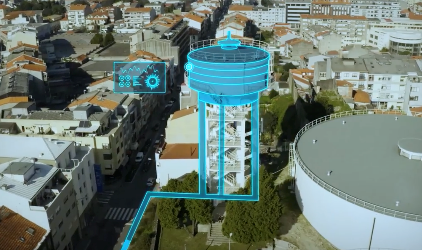
A digital overlay on an aerial view of an urban area highlights a water tower and accompanying infrastructure, emphasizing technical features with a holographic display using OpenFlows for advanced hydraulic modeling.

What Is OpenFlows Water?

  • Scenario Management
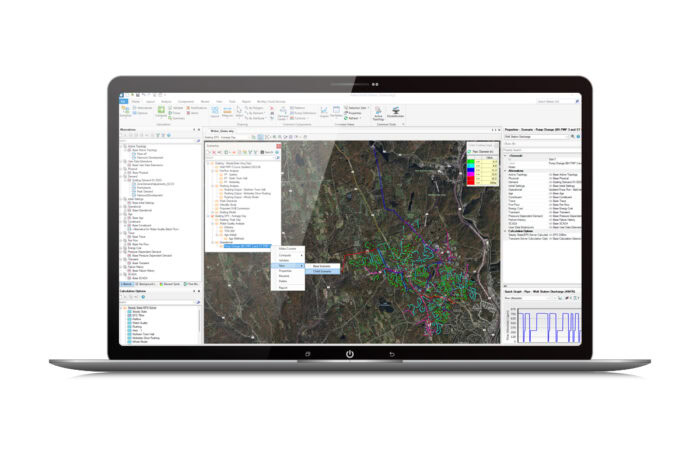
  • A laptop screen displaying GIS software with a detailed map and various analytical tools and data layers panel.

    Scenario Management

    Perform multiple hydraulic model scenarios using alternative data sets to simulate the system under a variety of what-if conditions. Analyze pipe and valve criticality to determine the weakest links in your water distribution system.
  • Transient Simulation
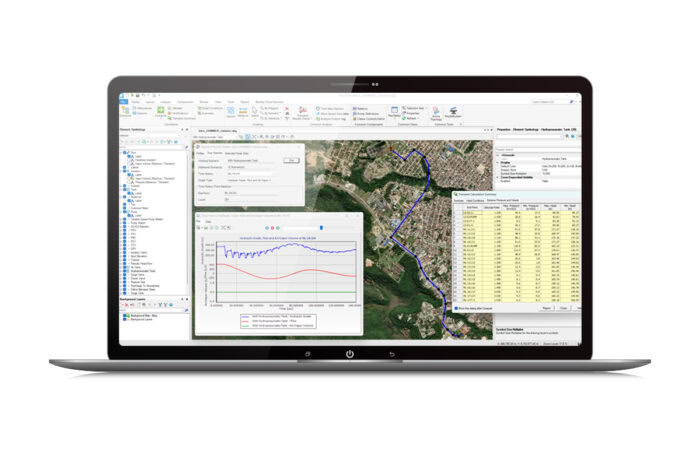
  • Laptop displaying geographic information system software with various data visualizations, maps, and charts.

    Transient Simulation and Analysis

    Use water hammer and hydraulic analysis software to efficiently identify, manage, and mitigate the risks associated with transients.
  • Hydraulic Modeling
  • A laptop screen displaying complex software interface with maps, charts, and various data analysis tools. The background features a detailed map with colorful lines and nodes.

    Hydraulic Modeling

    Build your hydraulic model quickly, synchronizing network data from standard formats that include GIS and CAD files, databases, and spreadsheets. Be compatible with various data formats and sources.

     
  • Model Calibration
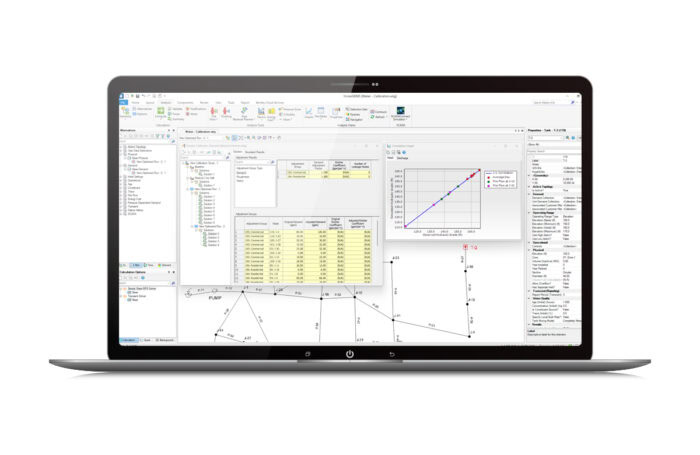
  • Laptop screen displaying a scientific software interface with data tables, a line graph, and a map.

    Model Calibration

    Apply AI-powered automated calibration using Darwin® Calibrator and ensure your model is calibrated and accurate in any condition—including peak days, component failures, fire flows, and future demands—by eliminating discrepancies between the model and field data.

  • Design Optimization
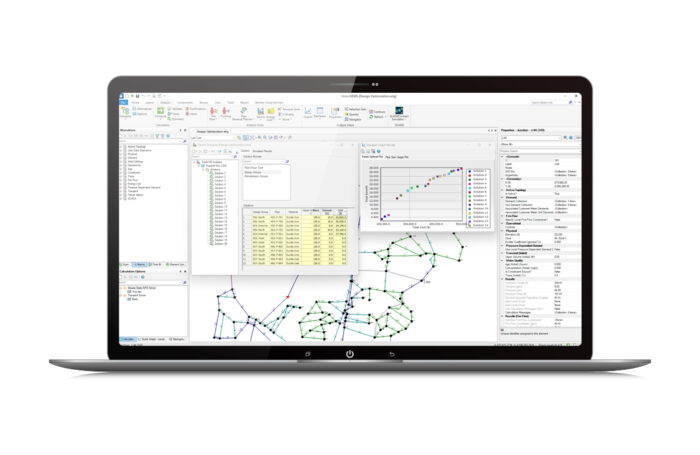
  • A laptop screen displaying network analysis software with charts, graphs, and data tables.

    Design Optimization

    Use Darwin Designer to automatically determine maximum pressure benefits, minimum cost designs, and rehabilitation strategies based on available budget, construction cost, and pressure and velocity constraints.

A laptop screen displaying GIS software with a detailed map and various analytical tools and data layers panel.

Scenario Management

Perform multiple hydraulic model scenarios using alternative data sets to simulate the system under a variety of what-if conditions. Analyze pipe and valve criticality to determine the weakest links in your water distribution system.
Laptop displaying geographic information system software with various data visualizations, maps, and charts.

Transient Simulation and Analysis

Use water hammer and hydraulic analysis software to efficiently identify, manage, and mitigate the risks associated with transients.

A laptop screen displaying complex software interface with maps, charts, and various data analysis tools. The background features a detailed map with colorful lines and nodes.

Hydraulic Modeling

Build your hydraulic model quickly, synchronizing network data from standard formats that include GIS and CAD files, databases, and spreadsheets. Be compatible with various data formats and sources.


Laptop screen displaying a scientific software interface with data tables, a line graph, and a map.

Model Calibration

Apply AI-powered automated calibration using Darwin® Calibrator and ensure your model is calibrated and accurate in any condition—including peak days, component failures, fire flows, and future demands—by eliminating discrepancies between the model and field data.

A laptop screen displaying network analysis software with charts, graphs, and data tables.

Design Optimization

Use Darwin Designer to automatically determine maximum pressure benefits, minimum cost designs, and rehabilitation strategies based on available budget, construction cost, and pressure and velocity constraints.

User
Quote

“[OpenFlows] provides comprehensive visualization options, both with in-built and external features. As we deal with climate change, it is imperative to be able to prepare for new challenges in water retention in both urban and city environments."

Plan, Design, and Optimize Water Distribution Systems Quickly and Easily​ with OpenFlows.