MicroStation

MicroStation

The CAD of Choice

Meet MicroStation and improve your CAD workflows with features you won’t find with our competitors.

Check out the free e-book “8 MicroStation Capabilities You Won’t Find on Other CAD Platforms” for an in-depth look at all of MicroStation’s features and benefits!
MicroStation Capabilities

Don’t want to lose an interface you’re comfortable with? No problem.

Tour our Dark Theme and Customizable UI options to feel right at home.

See the MicroStation Difference

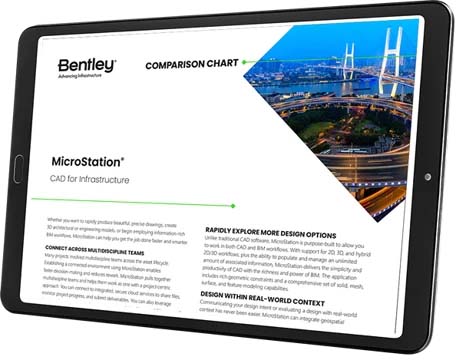
View our MicroStation comparison chart to see a side-by-side feature comparison with AutoCAD, BricsCAD, and DraftSight.

Image of a tablet displaying a Bentley MicroStation CAD software comparison chart with text and a photo of a bridge.
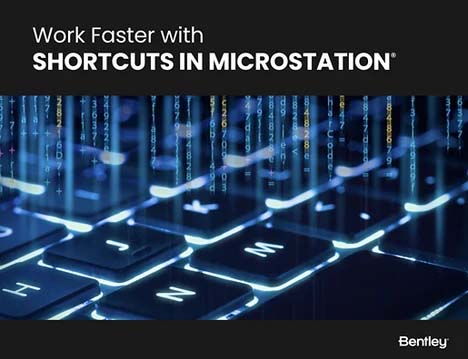
A keyboard with glowing keys that enhances your MicroStation experience.

Work Faster with MicroStation Shortcuts

Save valuable project time, increase productivity, and streamline your workflow with MicroStation’s default shortcuts! Shortcuts provide easy and quick access to specific ribbon groups or tools – and these default shortcuts can be customized to fit your specific needs.

Still not sure you’re ready to make a change?

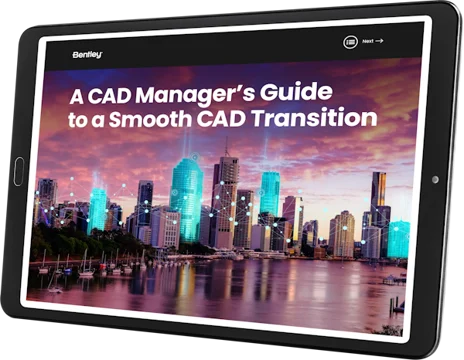
Need to convince your boss? Want to see more details? View our CAD Managers Guide to a Smooth CAD Transition.

Tablet screen displaying "A CAD Manager's Guide to a Smooth CAD Transition with MicroStation" alongside an image of a city skyline at dusk.

Ready to Get Started?

MicroStation is easy to use and master through a configurable environment with in-app learning, video tutorials, and extensive support that allow you to become an expert in no time.
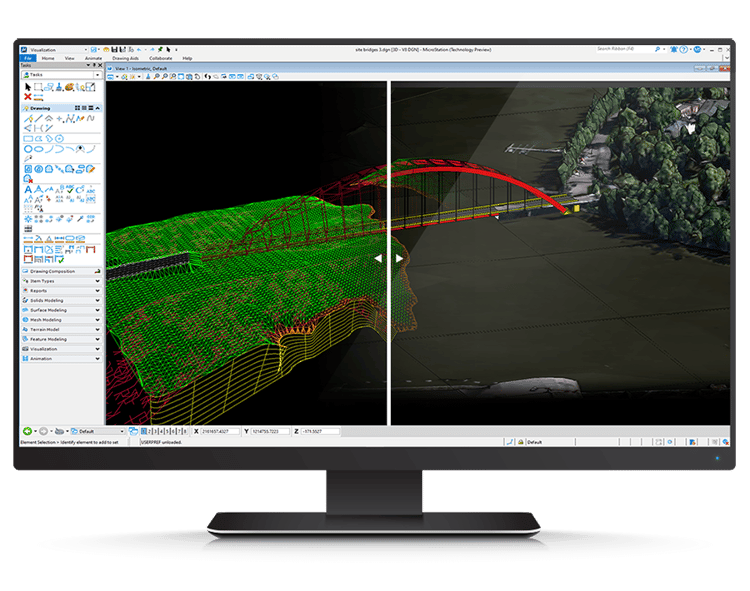
Computer monitor displaying a split-screen view of 3D modeling software with a bridge and surrounding terrain rendered in both wireframe and textured views, showcasing an advanced CAD solution for transportation projects using MicroStation.