Make Your Mark on Infrastructure with MicroStation
Make Your Mark on Infrastructure with MicroStation
MicroStation is the trusted CAD software for creating high-quality drawings and 3D models for infrastructure projects
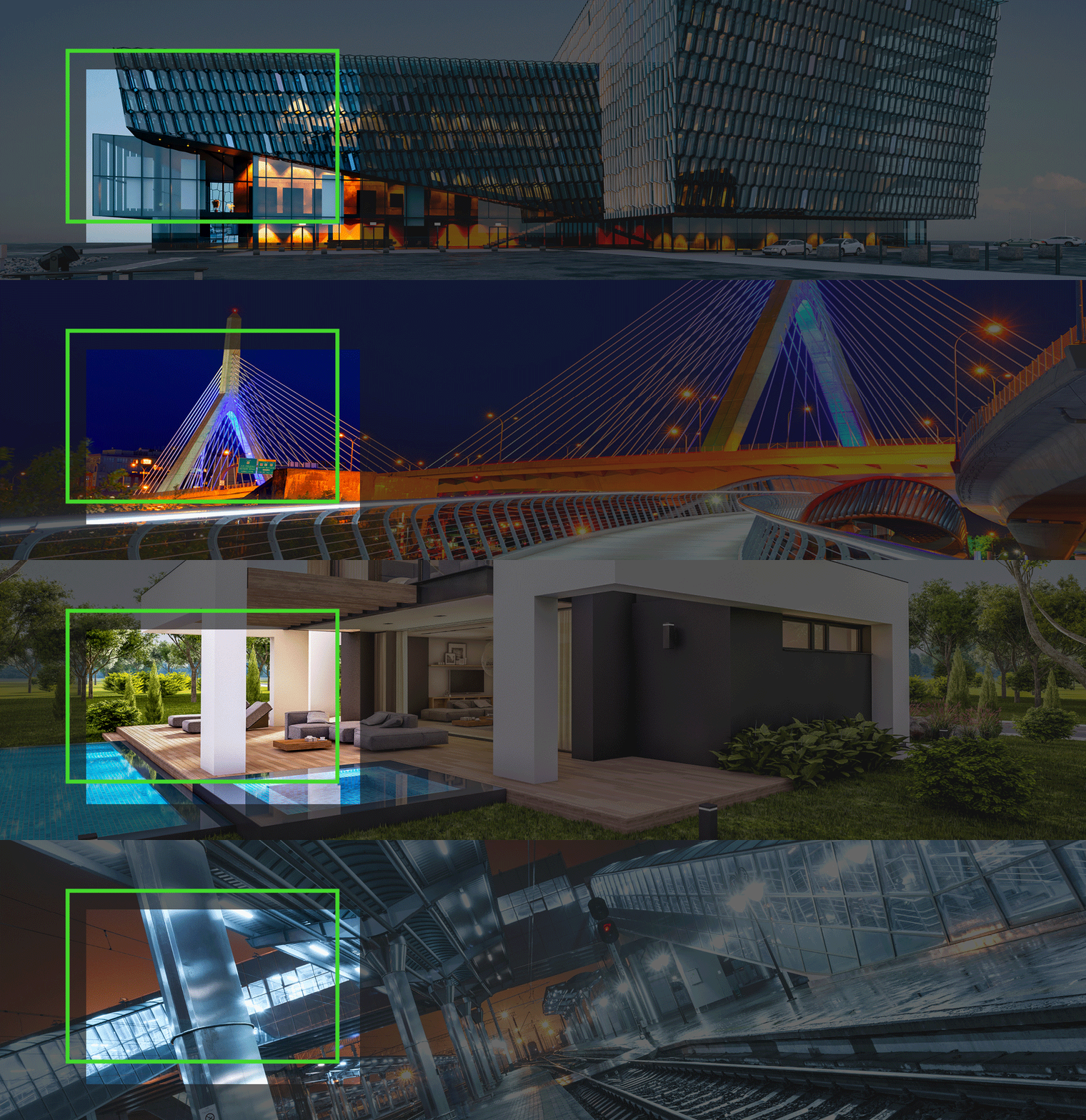
Designers and engineers are using MicroStation to design and build creative, functional, and sustainable spaces across the globe. MicroStation provides easy-to-use tools and features to help you bring your vision to life, regardless of project-type from AEC to Roads and Railways, to Electric Distribution centers, and everything in between.
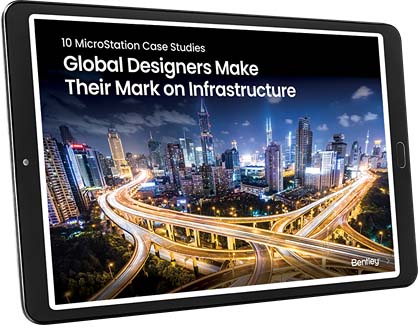
Explore how customers are using MicroStation to design and build creative and functional spaces. Download the case study e-book.
Download Your e-book!
MicroStation is the CAD of Choice for Infrastructure Design Projects
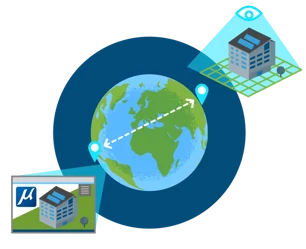
MODEL ANYTHING, ANYWHERE
MicroStation creates conceptual and detailed drafting, drawing, modeling, and detailing for any industry, with geospatial context.
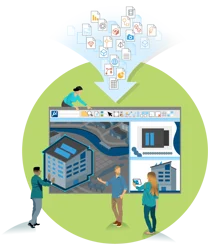
READ AND CONSOLIDATE ANYTHING
MicroStation supports and integrates more than 7x the number of file formats than our competitors without translations.
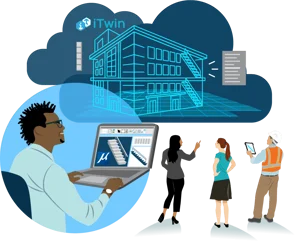
REPORT EVERYTHING, TO INFORM EVERYONE
MicroStation feeds accurate, real-time CAD data wherever you need, including your digital twin.
The Details Matter
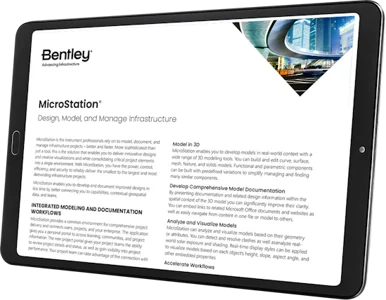
Explore MicroStation’s product data sheet for full descriptions of all the key features and capabilities.
Discover how MicroStation is helping CAD designers, engineers, and architects in your industry.
Don't Just Take Our Word for It, Hear What Our Users Have to Say
“MicroStation is helping us figure out complex floor plans and designs with efficient and simple tools that allow us to design freely and spend less time worrying about how to achieve our desired outcomes.”
“MicroStation has been a lifesaver for me for road projects. Microstation is easy with complex road alignment, vertical and horizontal alignment, cross-section development, profile design, and quantity survey. Your single model design can do all of it. It reduces the use of other software and programs.”
MicroStation is easy to use and master through a configurable environment with in-app learning, video tutorials, and extensive support that allow you to become an expert in no time.