Looking for a new CAD solution? MicroStation is the CAD software you need that’s trusted world-wide by CAD Managers like you.
More sophisticated than just a tool, it enables you to:
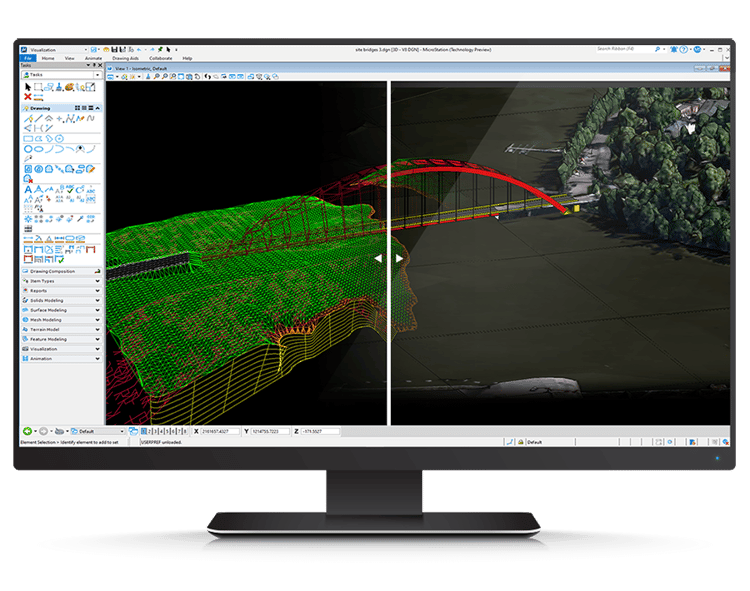
Deliver innovative designs and creative visualizations
Consolidate critical project elements in a single environment
With MicroStation, you have the power, control, efficiency, and security to reliably deliver the smallest to the largest and most demanding infrastructure projects.
Meet MicroStation and improve your CAD workflows with features you won’t find with our competitors.
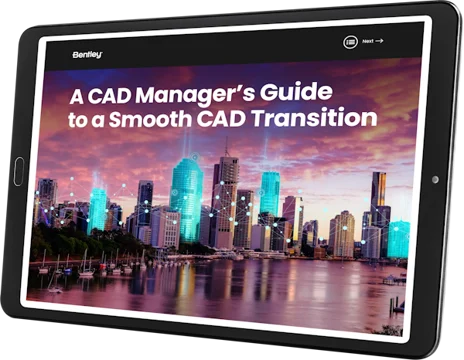
Download the free e-book for an in-depth look at all of MicroStation’s features and benefits!
Don’t want to lose an interface you’re comfortable with? No problem.
Tour our Dark Theme and Customizable UI options to feel right at home.
See the MicroStation Difference
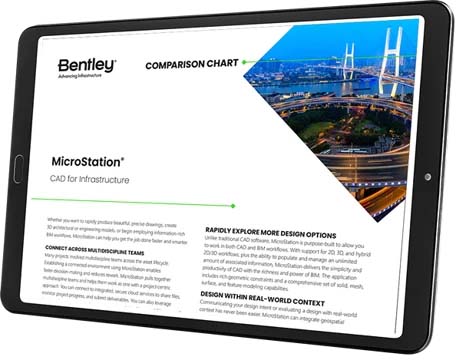
View our MicroStation comparison chart to see a side-by-side feature comparison with AutoCAD, BricsCAD, and DraftSight.
Save valuable project time, increase productivity, and streamline your workflow with MicroStation’s default shortcuts! Shortcuts provide easy and quick access to specific ribbon groups or tools – and these default shortcuts can be customized to fit your specific needs.
Save valuable project time, increase productivity, and streamline your workflow with MicroStation’s default shortcuts! Shortcuts provide easy and quick access to specific ribbon groups or tools – and these default shortcuts can be customized to fit your specific needs.
MicroStation is easy to use and master through a configurable environment with in-app learning, video tutorials, and extensive support that allow you to become an expert in no time.